Dinner
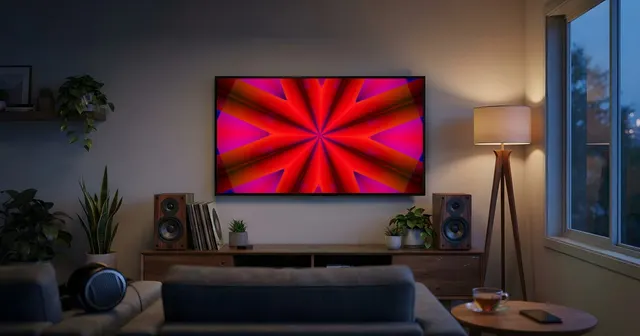
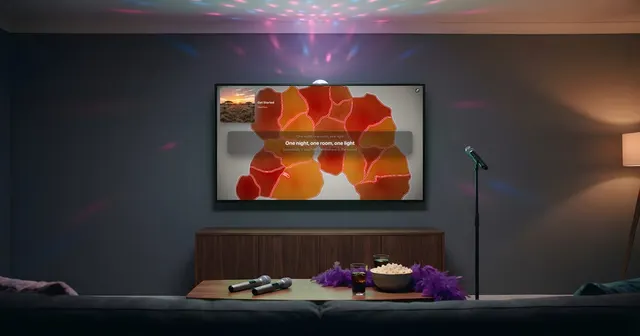
Soft music, calm visuals: stained glass, lanterns, light on water. The screen sets the mood without talking over anyone.
No sign-up, no credit card
Weddings
From dinner to the first dance, the venue’s screen follows the music: soft light between courses, a real show once the dance floor opens.


The big day
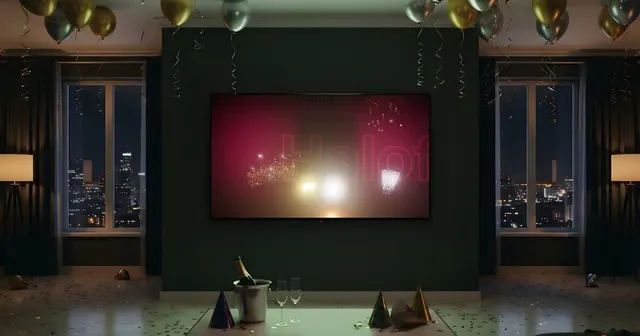
The venue screen, usually saved for the slideshow, becomes living decor. The visuals follow every song: mellow through dinner, brighter and brighter as the night gets going.
Soft music, calm visuals: stained glass, lanterns, light on water. The screen sets the mood without talking over anyone.
The first dance, then the songs everyone’s been waiting for. The visuals change on each song’s big moments.
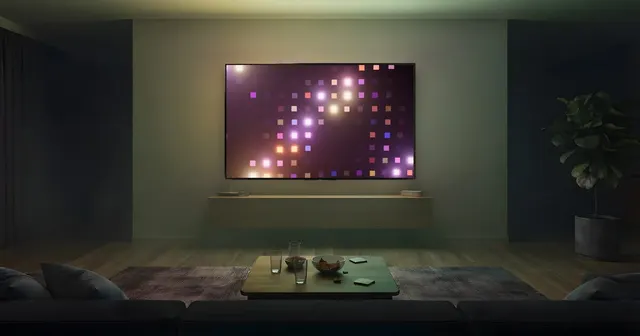
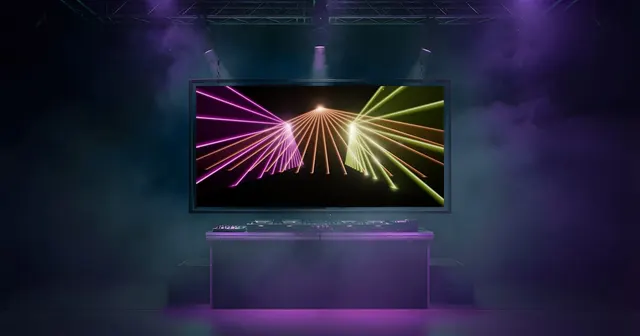
Spotlights, beams and bold colors: the screen carries the party, with nobody needed to run it.
For the reception
Whether you’re planning it yourselves or with a DJ, Halofloor runs on the computer hooked up to the venue’s projector.
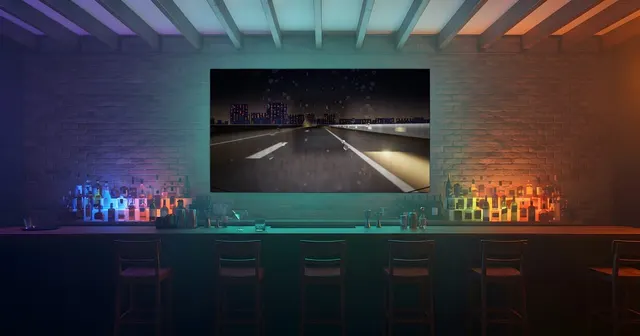
TV, projector, venue screen or LED wall: any display connected to the computer over HDMI shows the visuals full screen, with no app to install.
Once started, the visuals change on their own with every song and on the big moments. Nobody has to stay by the computer.
Calmer or more intense, more or fewer changes, a darker or brighter animation, bigger or subtler artwork: every setting applies to the screen live. With Standard.
The visuals picked for the song show up as thumbnails in the console: force one with a click, dismiss the ones that don’t fit, or hand control back to automatic. With Standard.
Built for venues open to the public and for hired pros: commercial use, business invoice and priority support. Your logo on screen, the desktop app with offline mode and DJ software integration are coming with it. Pro opens soon.
During the beta, you can get Standard free on request until December 1, 2026.
How it works
Halofloor is a web page. It reads what is already playing at your place and turns it into pictures: nothing to install on the screen, nothing to re-import.
On the computer, in Chrome. A demo song is already waiting: press play to watch the engine run.
Spotify, Deezer, SoundCloud or Apple Music, your Sonos speakers with Standard, or one of 50,000 radio stations.
One click opens the broadcast screen: drag it onto the TV or the projector. The console stays at hand to steer.
Visual worlds
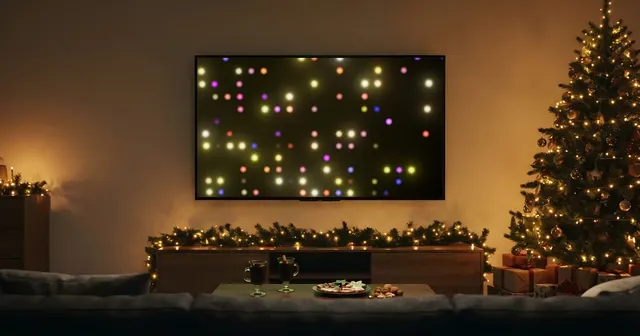
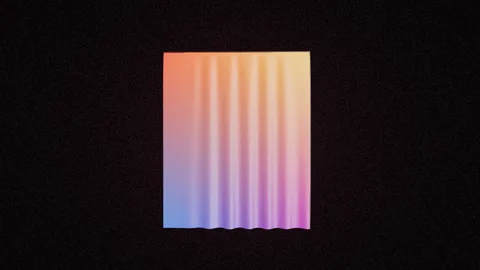
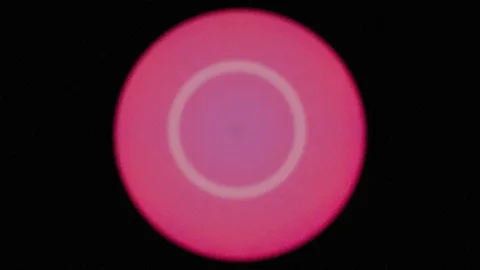
Stained glass, lanterns, fireflies and light on water for dinner; spotlights and beams for the dance floor.
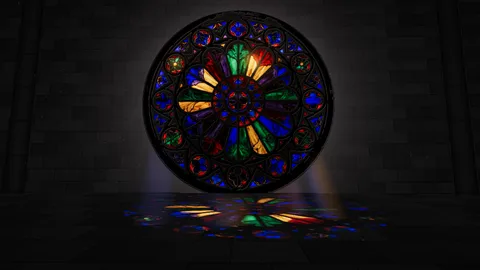 Rosace
 Lantern
 Fireflies
 Silk
Silk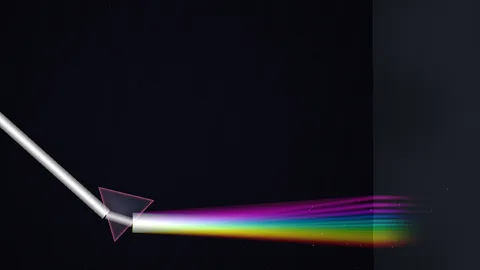 Prism
Prism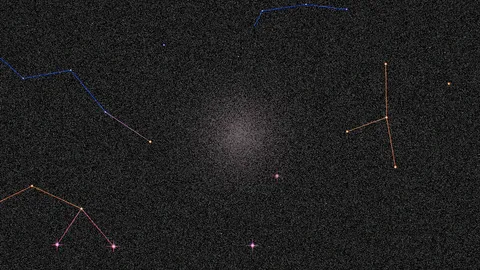 Constellation
 Caustics
 Ocean
Ocean Aspen
Aspen Jellyfish
 Incense
 Kaleido
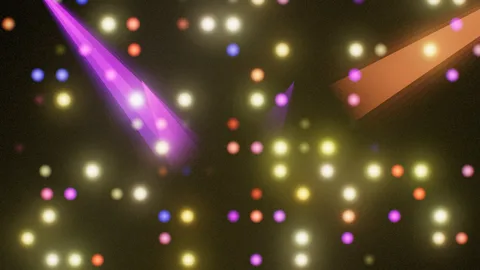 SpotWall
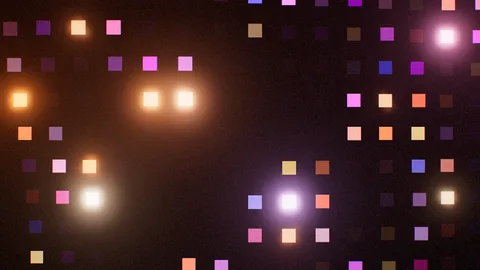 DiscoSquares
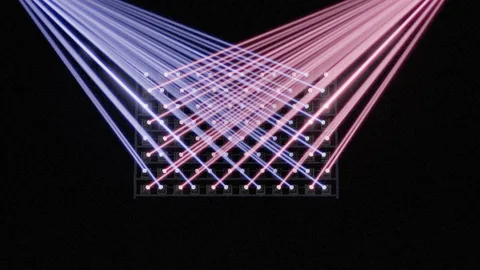 BeamWall
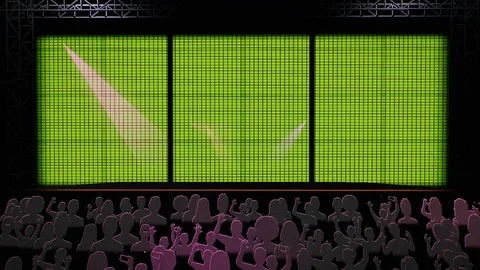 MainStage
Frequently asked
Any display connected to the computer over HDMI shows the visuals: projector, venue screen or LED wall. Put the broadcast window in full screen and the picture fills the whole surface.
The night runs itself: once started, the visuals change with every song, with nobody at the computer. Just keep the computer plugged in with sleep mode off.
Halofloor runs with an internet connection: it needs one to recognize songs and load their analysis. A phone hotspot is enough; offline mode is coming with the Pro plan.
Halofloor currently follows music played in the Spotify, Deezer, SoundCloud and Apple Music web players, on Sonos speakers or on the radio. DJ software integration is planned with the Pro plan.
For a wedding you’re planning yourselves, the free plan is enough, and Standard adds choosing worlds and the settings. A hired pro, DJ or MC, falls under the Pro plan, which opens soon.
The free plan has no time limit and needs no credit card: a selection of the 200 visual worlds, your music apps and 50,000 radio stations. Standard adds the full catalog, karaoke, Sonos and the settings; during the beta, you can get it free on request until December 1, 2026.
For every occasion
The same engine, shaped for every occasion.
Get the dinner playlist and the dance playlist ready, open the console, and enjoy the night.
No sign-up, no credit card