Warm-up
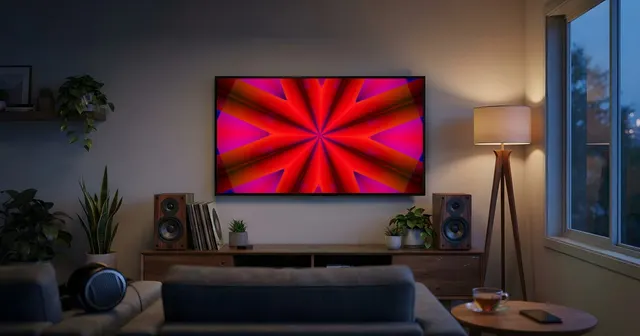
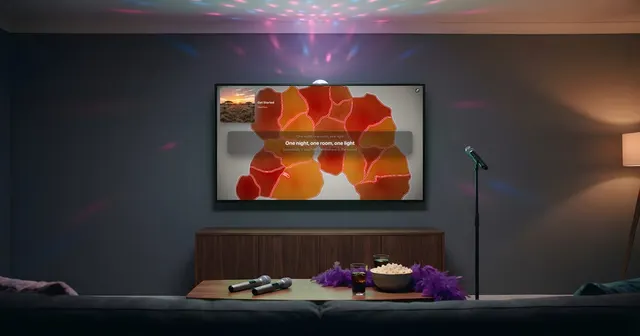
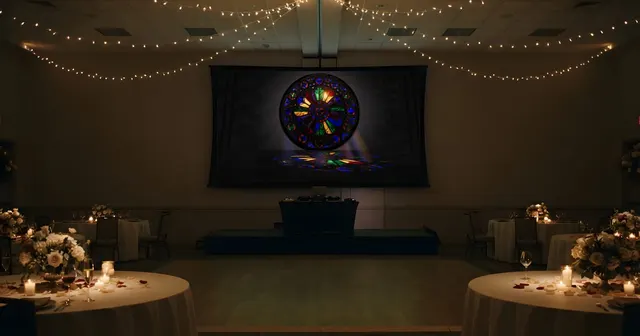
Laid-back worlds that dress the room as it fills up, without stealing the show from the music.
No sign-up, no credit card
DJ sets
Lasers, festival stages and spirals of light rendered live: a screen that lives with the music, with no VJ behind it.


The set
No clip library to build, no VJ to hire: every frame is rendered live, and two plays of the same track never look the same. Worlds switch on the build-ups and the drops, and you can take control whenever you want.
Laid-back worlds that dress the room as it fills up, without stealing the show from the music.
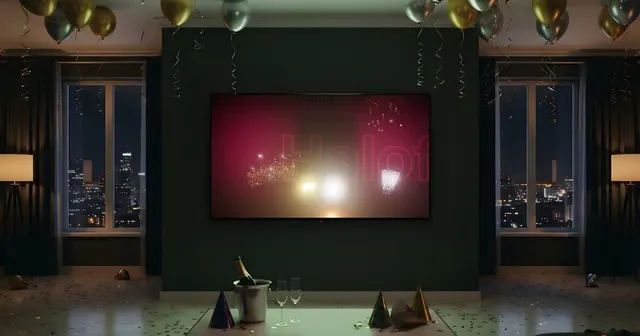
Lasers, strobes, big stages: the screen ramps up with the most energetic tracks.
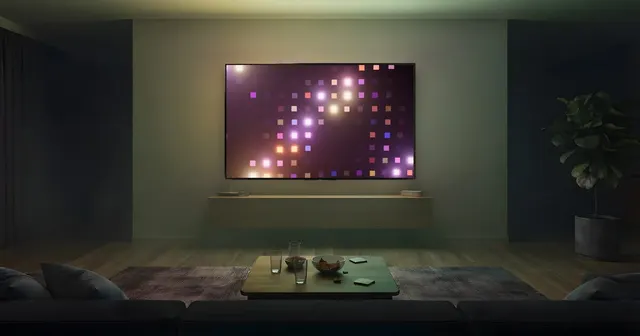
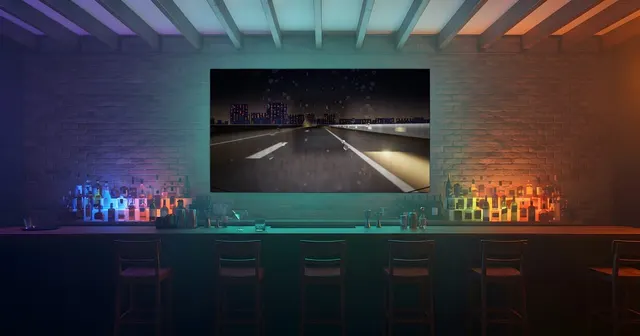
The energy comes down and so does the picture. One click in Video DJ forces the world you want for the last track.
For DJs
Halofloor currently follows music played in the Spotify, Deezer, SoundCloud and Apple Music web players, on Sonos speakers or on the radio. DJ software integration is coming with the Pro plan.
The visuals picked for the song show up as thumbnails in the console: force one with a click, dismiss the ones that don’t fit, or hand control back to automatic. With Standard.
TV, projector, venue screen or LED wall: any display connected to the computer over HDMI shows the visuals full screen, with no app to install.
Once started, the visuals change on their own with every song and on the big moments. Nobody has to stay by the computer.
Spotify, plus Deezer, Apple Music and SoundCloud, and 50,000 radio stations from around the world. Switch sources in one click and the visuals follow.
Built for venues open to the public and for hired pros: commercial use, business invoice and priority support. Your logo on screen, the desktop app with offline mode and DJ software integration are coming with it. Pro opens soon.
During the beta, you can get Standard free on request until December 1, 2026.
How it works
Halofloor is a web page. It reads what is already playing at your place and turns it into pictures: nothing to install on the screen, nothing to re-import.
On the computer, in Chrome. A demo song is already waiting: press play to watch the engine run.
Spotify, Deezer, SoundCloud or Apple Music, your Sonos speakers with Standard, or one of 50,000 radio stations.
One click opens the broadcast screen: drag it onto the TV or the projector. The console stays at hand to steer.
Visual worlds
Lasers, strobe walls, festival stages, polyhedra and oscilloscopes: enough to carry a whole night without repeating a single frame.
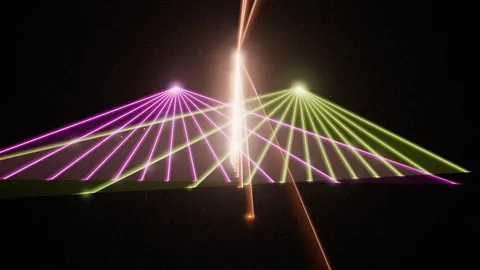 LaserCathedral
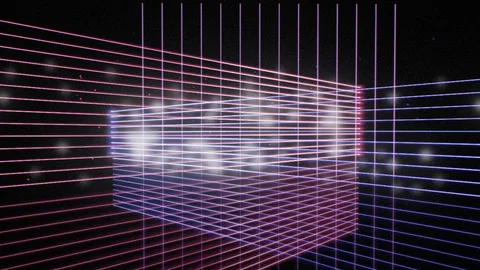 LaserGrid
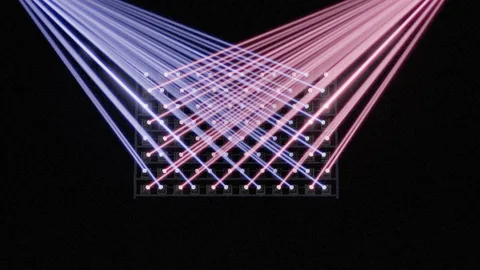 BeamWall
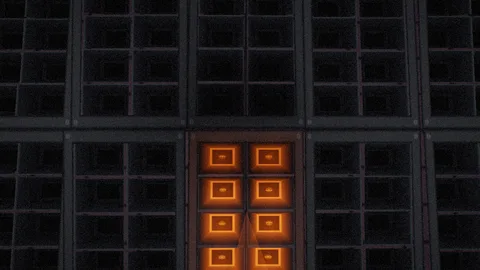 StrobeWall
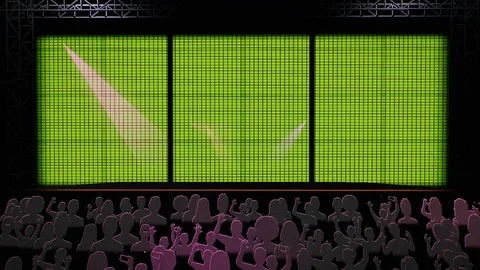 MainStage
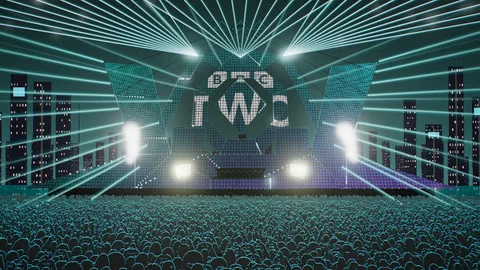 Bayfront
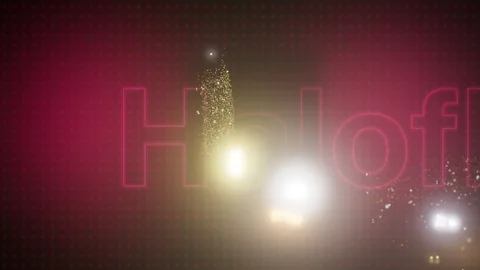 Pyro
Pyro KineticRig2
 Hex
Hex Vertigo
 Maelstrom
 Cascade
 Airframe
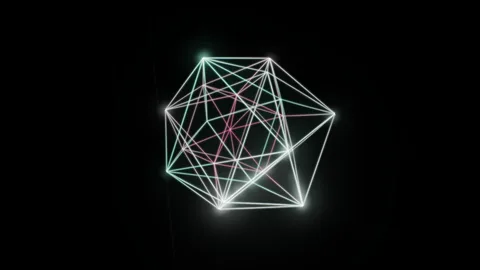 Polytope
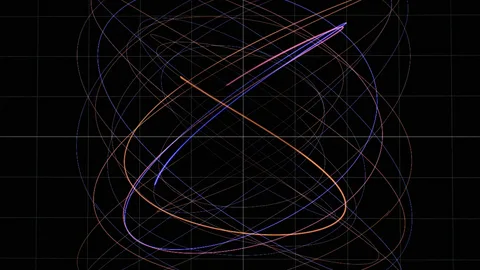 PhosphorScope
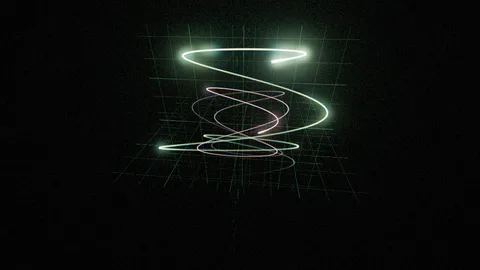 Scope3D
Frequently asked
Halofloor currently follows music from the Spotify, Deezer, SoundCloud and Apple Music web players, Sonos speakers and radio stations. DJ software integration is planned with the Pro plan, which opens soon.
There are no loops to prepare: every frame is rendered live from the track. The engine picks the worlds that fit it and switches on the big moments.
Any display connected to the computer over HDMI shows the visuals: projector, venue screen or LED wall. Put the broadcast window in full screen and the picture fills the whole surface.
The visuals lock onto the track position reported by the player and onto its beat grid, analyzed in advance. Halofloor doesn’t listen to the room through a mic, so no capture delay is added.
Playing music in a venue open to the public falls under your country’s licensing rules, whether the visuals come from Halofloor or not. In the US that means organizations such as ASCAP and BMI; in France, SACEM; in Spain, notably SGAE. Halofloor does not replace these licenses.
The Pro plan is designed for venues open to the public and hired pros: commercial use, business invoice, priority support. It opens soon: in the console, one click on “Go Pro” signs you up to be told.
For every occasion
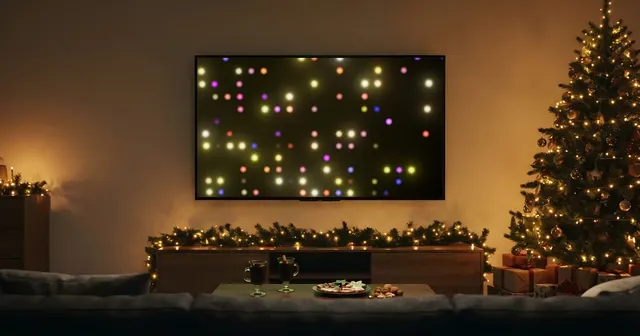
The same engine, shaped for every occasion.
Open the console, try the worlds on the demo song, and see what the screen becomes.
No sign-up, no credit card